For Filipino teachers · Windows PC
A class of papers, checked before you leave the room.
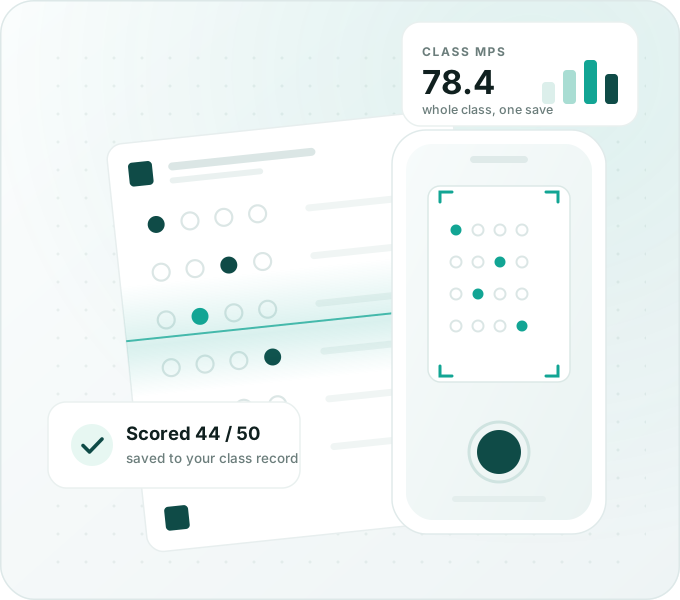
Photograph the answer sheets with your phone. QuickCheck scores every paper, writes the marks into your DepEd class record, and tells you which competencies your learners missed.
Windows 10 or 11 · version 2.9.0 · 87 MB · no key needed for the first 7 days · or get the installer
What it does
Everything from the photo to the paperwork.
Not just scores. QuickCheck finishes the job that usually eats your evening.
Your phone is the scanner
Snap each answer sheet. Every paper is scored the moment it arrives, and the screen turns green, amber or red so you know at once if a photo must be taken again.
Straight into your class record
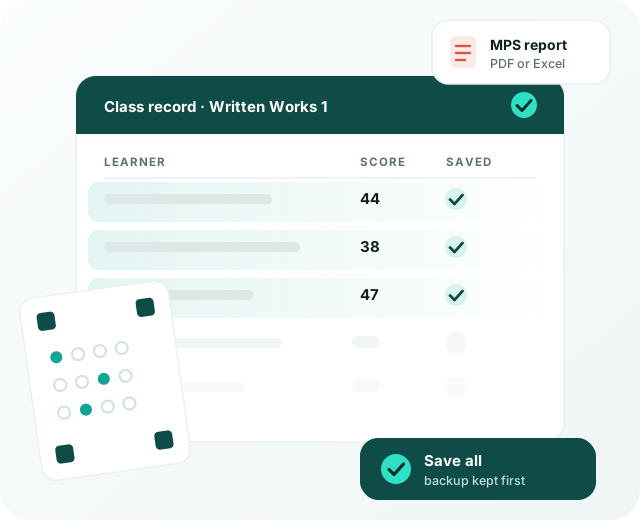
Scores land in your own DepEd e-class record, in the right term and column. No retyping, and a dated backup of that file is kept before every save.
The competencies they missed
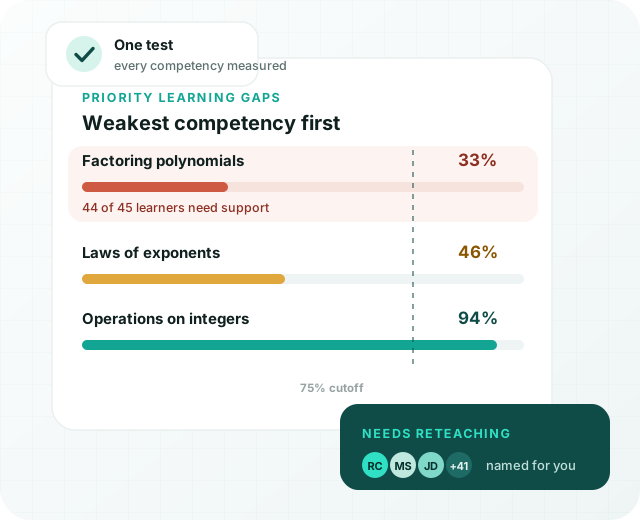
Build a Table of Specifications once and QuickCheck ranks the least-mastered competencies, with the learners who need help named under each one.
Answer sheets you print
Plain A4 sheets for true/false, A–C, A–D, A–E or matching type — named for each learner or blank, and two or four to a page when paper is short.
Reports ready to submit
MPS, proficiency levels, item analysis, the TOS and a learner-by-competency matrix — as PDF or Excel, with the interpretation written for you to edit.
Yours, on your own PC
Your learners' data never leaves your computer. No accounts, no subscription, and updates install in one click when you decide.
The part nobody has time for
37 out of 50 can still hide a gap.
The total mark tells you who passed. It does not tell you which competency the whole class missed — the exact thing your least-learned-competencies report has to say.
- Every competency is measured only from its own items, never from the overall score.
- Ranked weakest first, so reteaching starts at the top of the list.
- The learners below your cutoff are named under each competency.
- Record an intervention, and the next test covering the same code shows whether it worked.
After the last photo
The paperwork is already done.
You open only the papers QuickCheck is unsure about, press save once, and the rest is waiting: the record filled, the analysis computed, the report ready to print.
- Nothing is saved until you confirm — any answer or name can still be changed.
- Items worth 2, 3 or 5 points are scored the way you set them.
- The marked photo of every paper is kept, so a learner's question has an answer.
- Print one named sheet per learner and the paper says whose it is — no list to tick.
How it works
Four steps, and the first two happen once.
Add your class
Use your DepEd e-class record, build one here, or simply type the names.
Make the test
Items, choices and the answer key. Print the answer sheets on plain A4.
Photograph the papers
From your phone or this computer. Each paper is read and scored as it arrives.
Save and read
One save fills your class record. Scores, item analysis, competencies and reports are ready.
Pricing
Cheaper together — the way teachers already work.
One app, nothing held back, whichever you choose. Pay once and it is yours for good. Bring your grade level or department and the price per teacher drops.
Just me
- 1 licence, for 1 computer
- The complete app, every feature
- Lifetime — nothing renews
7-day money-back guarantee
Me and a co-teacher
- 2 licences, 1 computer each
- The complete app for both of you
- One payment, two keys sent together
Kumpletuhin lang ng ₱200 — dalawa na kayo.
Our grade level
- 5 licences, 1 computer each
- The complete app for the whole team
- One payment, five keys, one contact person
Buong grade level — ₱300 lang bawat isa.
For the one who collects
You already submit the same report together.
Every teacher in your grade level or department hands in the same least-learned-competencies report. That is exactly what QuickCheck writes. So buy it as a team.
- Collect from four officemates — ₱300 each.
- Send one payment of ₱1,499 and message us the five names.
- You get five keys in one email and hand them out in the staff room.
Collect for five teachers and there is a sixth key for you — keep it, or give it to one more teacher in your department. Just ask for it when you send the payment.
Every licence is the same complete app. A key works on one computer; if your laptop is replaced, message us and we move it to the new one, free.
How to buy
Try it first. Pay when it has saved you an evening.
Download and use everything free for 7 days — no key, no account. When you are ready, send the payment, message us the names, and your keys come back by email.
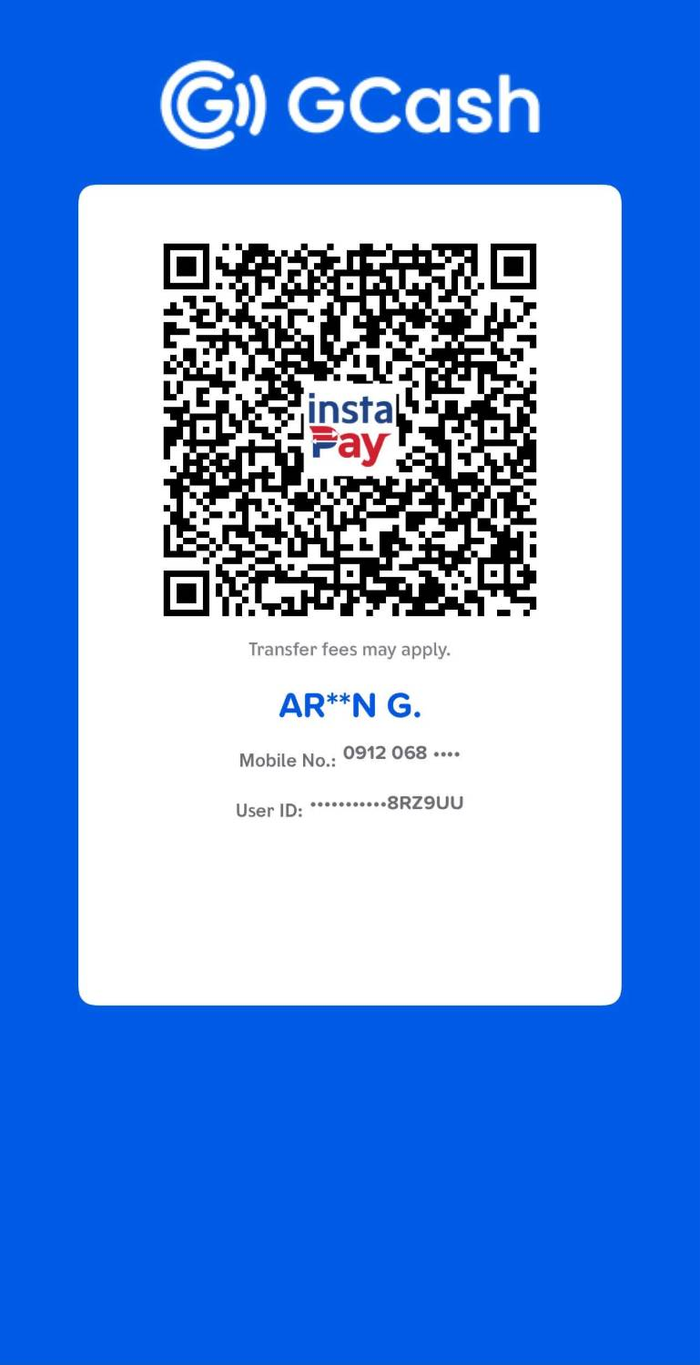 0912 068 8399
Scan in the GCash app, or send to this number
0912 068 8399
Scan in the GCash app, or send to this number
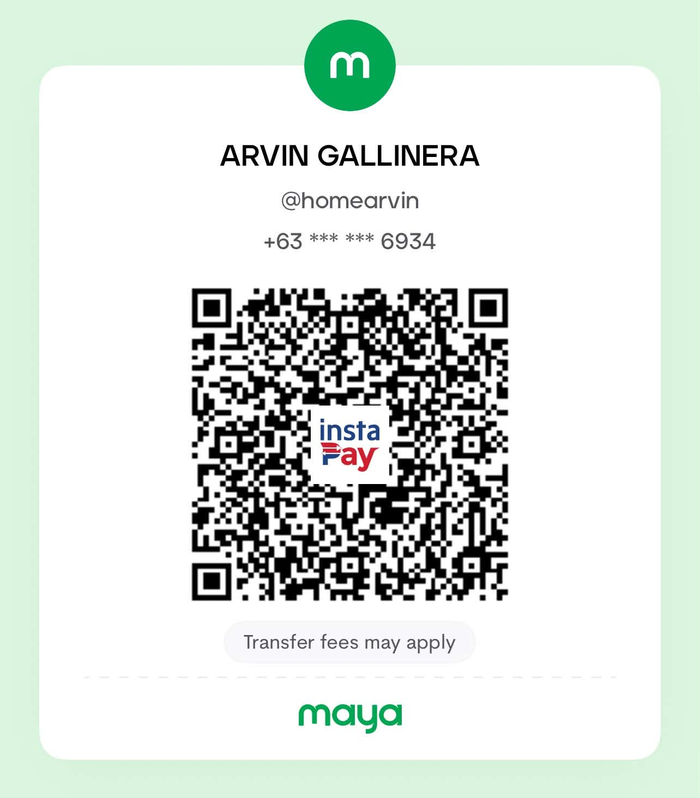 0912 541 6934
Scan in the Maya app, or send to this number
0912 541 6934
Scan in the Maya app, or send to this number
azmarketingservicesbicol@gmail.com
AZ Digital Marketing
0912 068 8399
Send your full name — and your teammates' names for Duo or Squad — with a screenshot of the payment. Keys are usually sent within a few hours, and every purchase has the 7-day money-back guarantee.
Questions teachers ask
Before you download.
Do I need internet?
Only twice: to download QuickCheck, and once when you activate your key. Checking papers, printing sheets and every report work with no internet at all, and your learners' data stays on your computer.
Is this a subscription?
No. You pay once and the app is yours, updates included. There is no account to make and nothing renews.
Can it use our own class record?
Yes. Upload your DepEd e-class record and QuickCheck writes the scores into that same file, in the term and column you pick. You can also build a record inside QuickCheck, or keep a simple list of names.
What if my laptop breaks or is replaced?
Message us and your key is moved to the new computer, free. A key works on one computer at a time, which is also why one key cannot cover a whole department — that is what the Duo and Squad prices are for.
Do I need a scanner or special paper?
No. Any printer that prints plain A4 at 100%, and a phone camera. No OMR machine, no special forms, no particular ink.
How big a test can it check?
Up to 100 items — true/false, A–C, A–D, A–E or matching type, and different types mixed as parts on one sheet. A whole class at a time, for as many classes as you teach.
Give your evenings back.
Free for 7 days, no key needed. Then ₱499 on your own — or ₱300 each when your grade level comes with you.
- A .zip file (about 87 MB) saves to your Downloads folder. If the browser asks, choose Keep.
- Right-click the zip → Extract All into a normal folder, for example Documents.
- Open that folder and double-click QuickCheckPro.exe. If Windows shows a blue box, click More info → Run anyway.
- QuickCheck opens with your 7-day trial already running.