Your store. Every peso. A clearer picture.
Benta, stocks, utang and kita in one simple screen. Tap what they bought, tap the bills they hand you, and the sukli shows in big numbers. Know who owes you, and close the day knowing exactly what should be in the cash box.
Free preview · no sign-up · works on phone, tablet and laptop
Run the whole store from one screen.
Record a sale once, and your stocks, utang and cash all update together. No more adding up the notebook at night.
Tap, pay, sukli
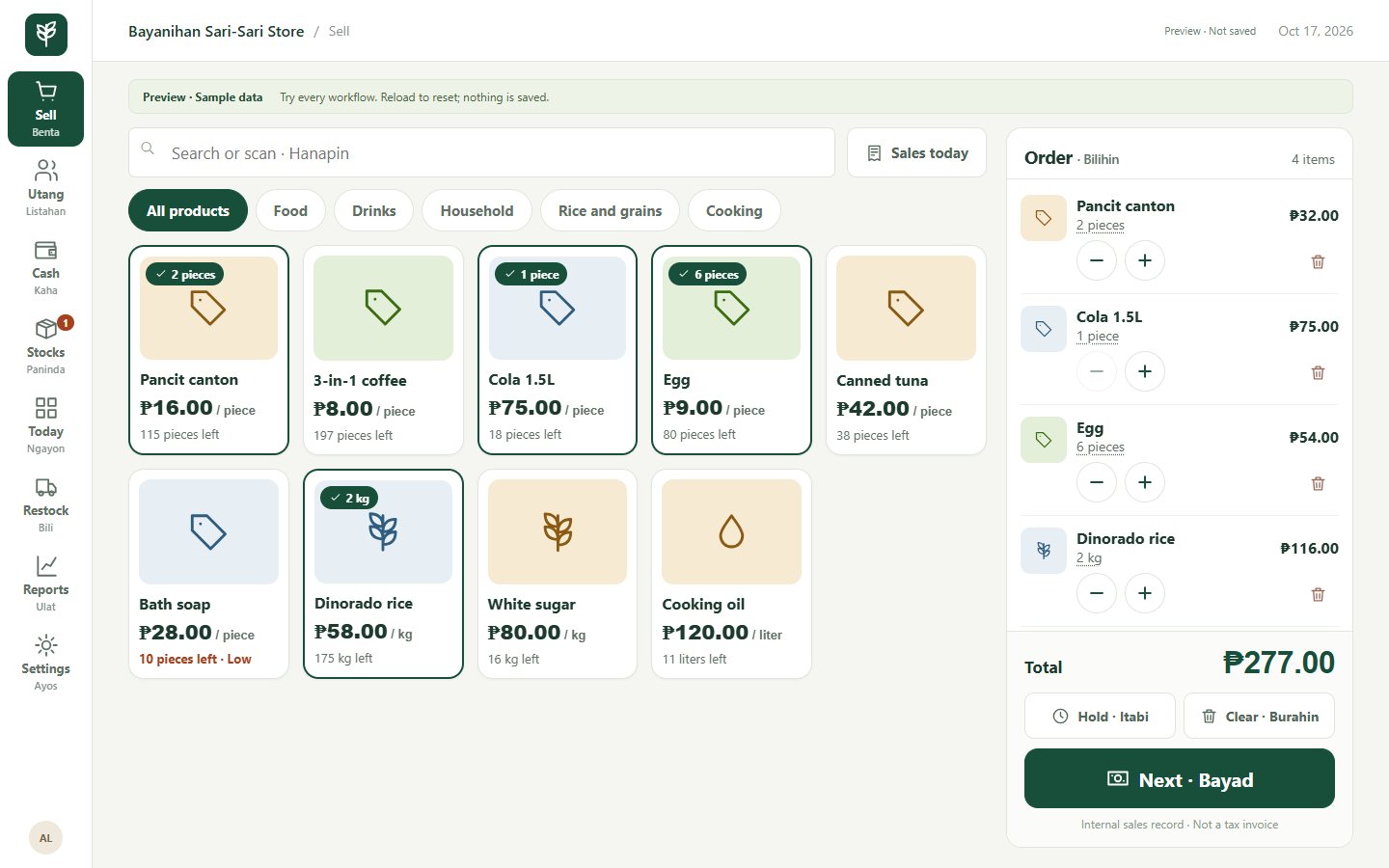
Big pictures of what you sell. One tap adds one piece; rice and sugar open a kilo pad; a barcode scanner works too. Then Cash, GCash, Maya or Utang, tap the bills they hand you, and the sukli shows by itself.
Stocks that count themselves
Every sale takes the pieces or kilos out of stock. Low stocks are flagged before you run out, and stock counts are recorded with a reason.
A clearer utang notebook
Who owes you, how much and since when, with a credit limit per customer. Collect a payment and the balance goes down right away.
Restock by the box or sack
Order 3 boxes of 24 or 2 sacks of 50 kg; StorePOS adds the right number of pieces or kilos. The cost is kept, so your profit stays accurate.
Close the day with clarity
Open with your change money, record expenses, then count the cash. StorePOS shows what should be in the box and any difference.
Know how the store is doing
Sales, profit and best sellers for today, the last 7 days or this month. Download sales and stocks to Excel in one click.
What you'll see in the preview.
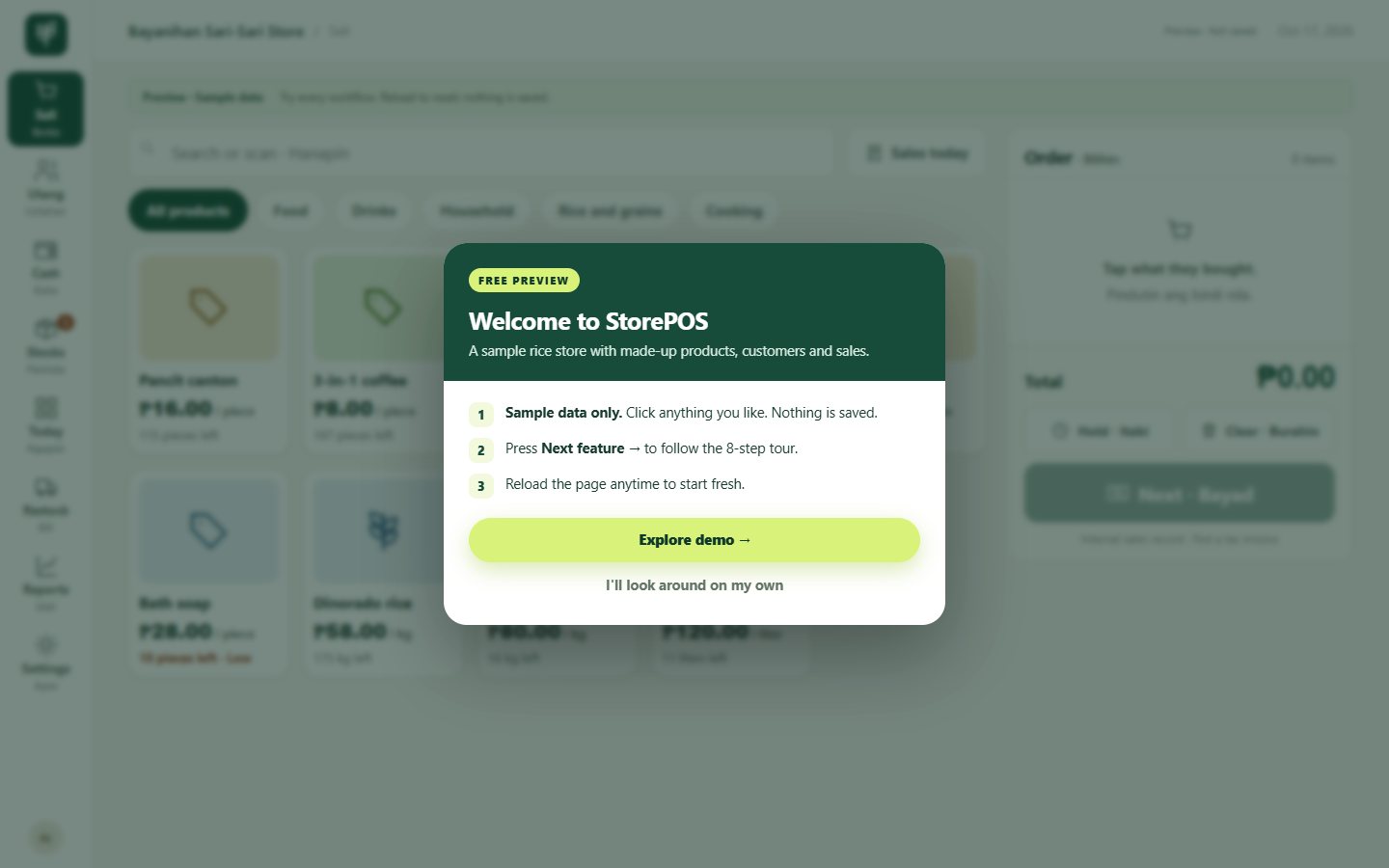
The preview is a sample sari-sari store with made-up products, customers and sales. It walks you through these 8 steps.
Pay once. Use it for good.
StorePOS
- Point of Sale by piece, kilo, liter, box or sack, with cash, e-wallet, utang and barcode scanners
- Stocks, low-stock alerts and purchases from suppliers
- Customer utang with credit limits and payment history
- Daily cash count, expenses and reports with Excel download
- Your store name, owner name and address
How to get it
- Try the live preview and see if it fits your store.
- Message us your store name, what you sell and how many devices you'll use. We answer your questions.
- Pay ₱5,000 with any option below and send a screenshot of the payment.
- We set up StorePOS with your store name and products, and you start selling.
Message us at azmarketingservicesbicol@gmail.com or AZ Digital Marketing on Facebook.
Before you try the preview.
Is the preview a real store?
No. "Bayanihan Sari-Sari Store" is a sample store with made-up products, customers and sales. Click anything you like. Nothing you do is saved, and reloading the page starts it fresh.
Do I need a special POS machine or printer?
No. StorePOS opens in the web browser of the phone, tablet or laptop you already have. Nothing to install.
Is it only for rice stores?
No. Since version 0.5.0 each product is sold by piece, kilo, liter or pack, and can also have a box, sack or case size. Sari-sari stores, rice dealers, small groceries and hardware shops all fit.
Is ₱5,000 a monthly fee?
No. You pay ₱5,000 once and have lifetime access. There is no monthly subscription.
Can it issue official receipts?
No. StorePOS keeps your internal business records: sales, stocks, utang and cash. It is not a registered tax invoice or official receipt system.
I have more questions.
Message us at azmarketingservicesbicol@gmail.com or on Facebook. We're happy to walk you through it.